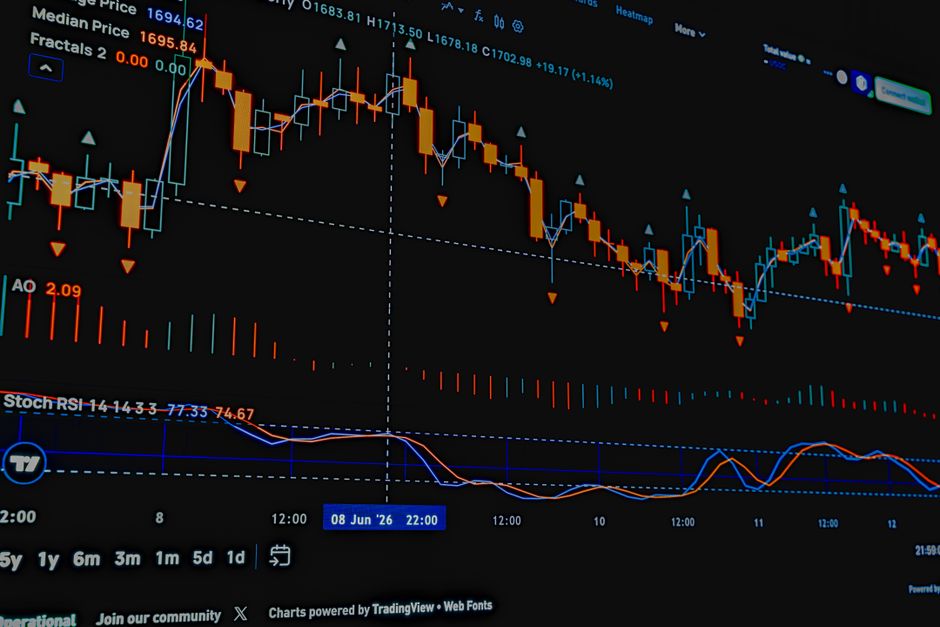
Automated trading signals with stop loss included are trade recommendations that arrive complete with three critical pieces of information: where to enter, where to take profit, and where to cut your loss. You don't have to calculate these levels yourself. The signal does it for you, so you can make faster, clearer decisions when markets are moving fast.
This is different from getting a simple "buy" or "sell" alert. When a stop loss is already baked into the signal, you're getting a full trade plan in one notification. That means less thinking under pressure and more consistent risk management across all your trades.
Why Stop Loss Is Non-Negotiable in Trading Signals
A stop loss is your hard limit. It's the price level where you automatically exit a losing position to prevent bigger damage. Without it, a bad trade can wipe out weeks of gains. With it, your maximum loss on any single trade is defined before you even click buy.
Related: Paper Trading Signals Before Live Execution: A Smart Setup Guide
Related: VIX Futures Trading: A Complete Beginner's Guide
When your trading signals come with stop loss already attached, you're removing one of the biggest sources of trader error: moving the stop loss when you're emotionally invested in a position. The signal says "exit at $95 if it goes against you," and that's locked in. No second-guessing. No hope trading.
VeriSignal Matrix builds stop loss into every signal it generates, so you never get a recommendation without knowing your downside risk first.
How Automated Trading Signals Include Stop Loss Levels
Here's the mechanics: a trading signal analysis engine looks at price action, volatility, support and resistance levels, and market conditions. Based on that data, it calculates not just an entry point, but also a logical stop loss level that respects recent price action and volatility.
For example, if a stock just bounced off support at $50, and current volatility suggests 2% daily swings, the signal might recommend: buy at $52, take profit at $58, stop loss at $49. All three numbers come in one package.
Some platforms let you override these levels through settings or webhooks. You might want a tighter stop loss for less risk, or a wider one for more breathing room. The point is: the baseline always includes a stop loss, and you stay in command of adjusting it if you choose.
Static vs. Dynamic Stop Loss in Signals
A static stop loss is fixed when the signal arrives. You enter at point A, your stop is at point B, and it doesn't move unless you move it manually.
A dynamic stop loss adjusts based on market conditions. As volatility drops, the stop might tighten. As your trade moves in your favor, the stop might trail up to lock in gains. This is more sophisticated, but it also requires more attention and rule-setting upfront.
For most retail traders, a static stop loss included in each signal is the right balance. It's simple, testable, and you can audit why each trade was stopped out. If you want dynamic adjustments, you need a platform that offers configurable rules and clear documentation of how they work.
Risk Management Beyond Stop Loss

Stop loss alone is not a complete risk strategy. You also need position sizing. A $100 stop loss on a $10,000 position is 1% risk. The same stop loss on a $1,000,000 position is 0.01% risk. Same signal, totally different exposure.
A solid trading signal service should help you think through position size based on your account size and your risk tolerance per trade. Some platforms calculate this automatically if you tell them your account balance and maximum risk percentage.
Portfolio correlation also matters. If you receive five buy signals and open five positions, but they're all correlated (all tech stocks, or all crypto), a single market drop can hammer your entire portfolio at once. A signal service that covers multiple asset classes (stocks, crypto, indices, options, futures, forex) gives you more diversification choices.
Related: Best Stock Market Futures Signals for Tomorrow's Trading
Testing Before You Trade Real Money
Before you trust a signal service with real capital, paper trade it first. Open a demo account and follow the signals for two to four weeks without risking money. Watch how often stop losses get hit, how often take profits are reached, and whether the signal logic makes sense in real market conditions.
Pay attention to slippage and market gaps. A signal might say "stop loss at $95," but if the market gaps through that level at market open, you could get stopped at $91. Automated signals can't predict gaps, but a good platform should warn you about this risk and let you test how often it actually happens in backtests.
VeriSignal Matrix defaults to notify-only mode, so you can dry-run any signal before connecting a real broker account. That's your safety net.
How Stop Loss Works with Broker Integration
If you connect your broker to a signal service, the platform can submit stop loss orders directly to your account. That means the stop loss level is live on the exchange, and you're protected even if your computer goes offline.
But here's the key: you always stay in control. The signal service should never have the ability to withdraw money or close trades without your permission. It can place orders, and you can set rules for when those orders execute, but you can always cancel or override them.
Some traders prefer to enter trades manually but set stops automatically. Others want full automation. Either way, the stop loss should be the non-negotiable part. Entry timing is a judgment call. Exit at a hard level is a rule.
Common Mistakes with Automated Stop Losses

Moving your stop loss after you enter is the number one killer. A signal calculated a stop for a reason. If you widen it because you're nervous, you're overriding the risk management plan. Stick to the signal or don't take the trade.
Ignoring gaps and low liquidity is another trap. A stop loss at $95 works great on a liquid stock. On a thinly traded micro-cap, that order might not fill at $95. It could fill at $80. Always check the trading volume and bid-ask spread of any instrument you're trading.
Setting stops too tight is tempting but dangerous. If your stop is 0.5% away from entry on a volatile stock, you'll get whipsawed every other day. A signal's stop loss already accounts for normal volatility. Tightening it usually just burns you on noise.
Multi-Signal Strategies and Stop Loss Coordination
If you follow signals across multiple asset classes or multiple strategies, each signal has its own stop loss. That's correct. A crypto signal shouldn't affect your stock stop loss, and vice versa.
But if you're stacking multiple signals on the same underlying (say, two different bullish signals on the same stock), your total position size and total risk should be the sum of both trades. Your stop loss for the combined position should reflect both entry prices and both risk levels. Most traders handle this manually; some platforms can track it for you.
Building Confidence in Your Signal Service
Before you commit real money, you want proof that the stop loss levels are realistic and well-reasoned. Ask yourself: Does the platform show you the math? Can you see the support and resistance levels used to calculate the stop? Does it document how it handles edge cases like earnings announcements or macro events?
Transparency is your friend. If a signal service won't explain why a stop loss is placed where it is, that's a red flag. You should always understand your exit strategy before you enter.
The best signal services also let you audit your past trades. You should be able to look back and see every signal you received, every entry level, every stop loss, and every actual result. That audit trail lets you spot patterns: Are stops too wide? Too tight? Do certain asset classes perform better than others?
Getting Started with Signals That Include Stop Loss
Start by choosing a platform that publishes stop loss levels clearly with every signal. The signal should tell you entry, take-profit, and stop-loss in the notification itself. No hunting for hidden risk levels.
Open a paper trading account. Follow signals for at least two weeks and track what happens. Are stops getting hit often? Do take profits get reached? Does the risk-reward ratio feel right?
Related: Best Trading Signals with Entry & Take Profit 2026: Top 5 Ranked
Related: Best S&P Futures Trading Signals 2026: Top 5 Platforms Ranked
Connect to your broker only after you're confident in the signal logic. And even then, start with small position sizes. Let your confidence build over time.
VeriSignal Matrix delivers signals across stocks, crypto, indices, options, futures, and forex with stop loss included on every recommendation. The platform uses a seven-model voting system to filter low-confidence signals, and you can paper-trade risk-free before connecting your broker. That means you can test the stop loss logic on real market data without risking capital.
Frequently Asked Questions
Can I adjust the stop loss after I receive the signal?
Yes. The signal gives you a calculated stop loss level, but you can always tighten it or widen it based on your risk tolerance and market conditions. Just remember: tightening usually gets you stopped out on noise, and widening exposes you to bigger losses. The signal's stop is already optimized.
What happens if the market gaps through my stop loss?
Your stop loss order might not fill at the exact level you set. On highly liquid instruments, slippage is usually small (a few cents). On low-volume assets, gaps can be larger. Always check the trading volume and spread of any instrument before you trade, and set mental maximums for acceptable slippage.
Do I need to use a stop loss, or can I ignore it and exit manually?
You can do whatever you want, but a stop loss protects you from catastrophic loss if you step away from your screen or make an emotional mistake. Every professional trader uses them. They're not optional for serious risk management.
How tight should my stop loss be?
The signal service should calculate this based on volatility and support levels. A typical range is 1-3% for stocks, higher for crypto. If the signal recommends a 5% stop and you think it should be 2%, you're overriding the signal's risk calculation. Either take the signal as-is or don't take it.